Saving the best still
Split a short clip, flip through the pictures and keep the one where everyone's eyes are open.
Pull a GIF or a video apart into its pictures. You get a ZIP of numbered PNG files, one for each frame, from exactly the part you choose.
A GIF is a stack of pictures shown one after another, so splitting it means saving each of those pictures as its own file. People do it to grab one good still, to fix a single frame in an image editor, to build a sprite sheet, or just to see how an animation was put together.
What comes out is a ZIP with files named frame_0001.png, frame_0002.png and so on. PNG is lossless, and it keeps see-through areas, so a transparent GIF gives you pictures with a transparent background rather than a black or white one.
One thing to know about the numbers. You choose a frame rate, and the pictures are taken at that rate from the part you selected. To get every frame of a GIF, pick a rate that matches it. Most GIFs run somewhere between 10 and 25 frames a second; at a lower rate some frames are skipped, and at a higher rate a few are repeated. You can get up to 300 pictures in one go, so trim a long clip to the part you need.
Drop it in, paste it with Ctrl+V, or paste a link. MP4, MOV, WebM, GIF, animated WebP and APNG all work.
Drag the handles around the part you need. The number of pictures is the length in seconds times the frame rate, and it can be up to 300.
On the Format tab the output is already PNG frames. Pick a width, and a frame rate that matches your GIF so every frame is kept.
Press Create PNG frames. When it's ready, download the ZIP and unzip it.
Treat these as a first try, not a rule. The size estimate tells you quickly whether to nudge them up or down.
| If you're making | Try | Why it works |
|---|---|---|
| Grab one good still from a clip | Trim to under a second · 15fps · 720px | A few pictures to choose from, and no huge ZIP. |
| Edit a single frame | Match the GIF's frame rate · original width | Every frame is kept and nothing is shrunk. |
| Sprite or sticker frames | Keep transparency · 256px · the GIF's frame rate | PNG keeps the see-through background. |
| See how an animation works | 10fps · 480px | Enough frames to follow the motion, in a small ZIP. |
Split a short clip, flip through the pictures and keep the one where everyone's eyes are open.
Fix a typo or a bad pixel in a single picture, then rebuild the animation from the files.
A transparent GIF becomes a set of transparent PNGs you can drop into a game or a sticker pack.
The length times the frame rate is over 300. Trim the clip shorter or lower the frame rate.
The frame rate you chose is lower than the GIF's own. Raise it to match.
The frame rate is higher than the GIF's own, so some frames are repeated. Lower it.
The widest output is 1080px. Pick the largest width you need; very large originals are scaled down.
The result is a ZIP, so unzip it to see the files. For a quick look, use a short trim and a small width.
These are real screenshots from this site, taken with a demo clip. Your own file will give different sizes, but the controls are exactly these.
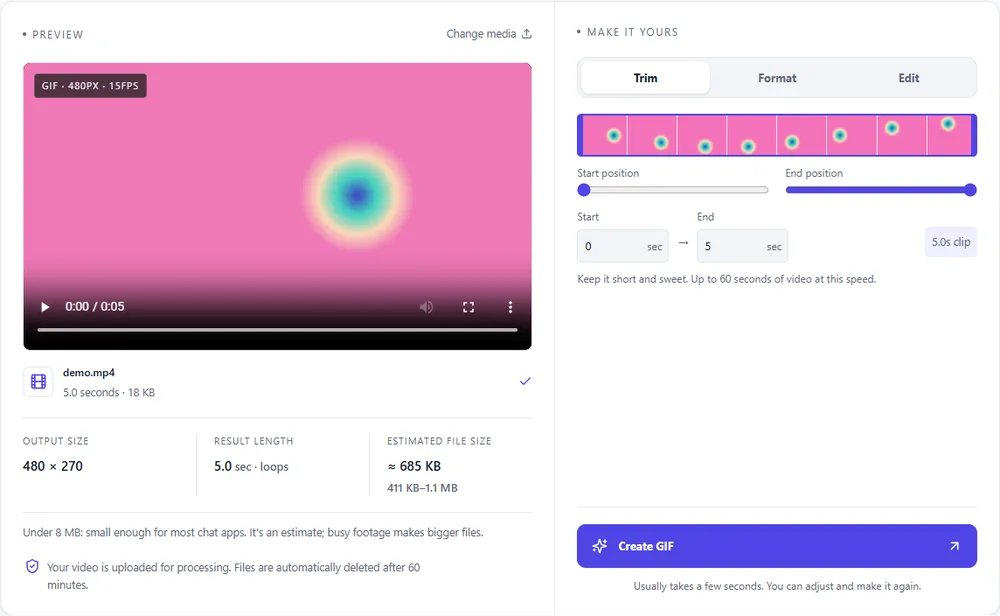
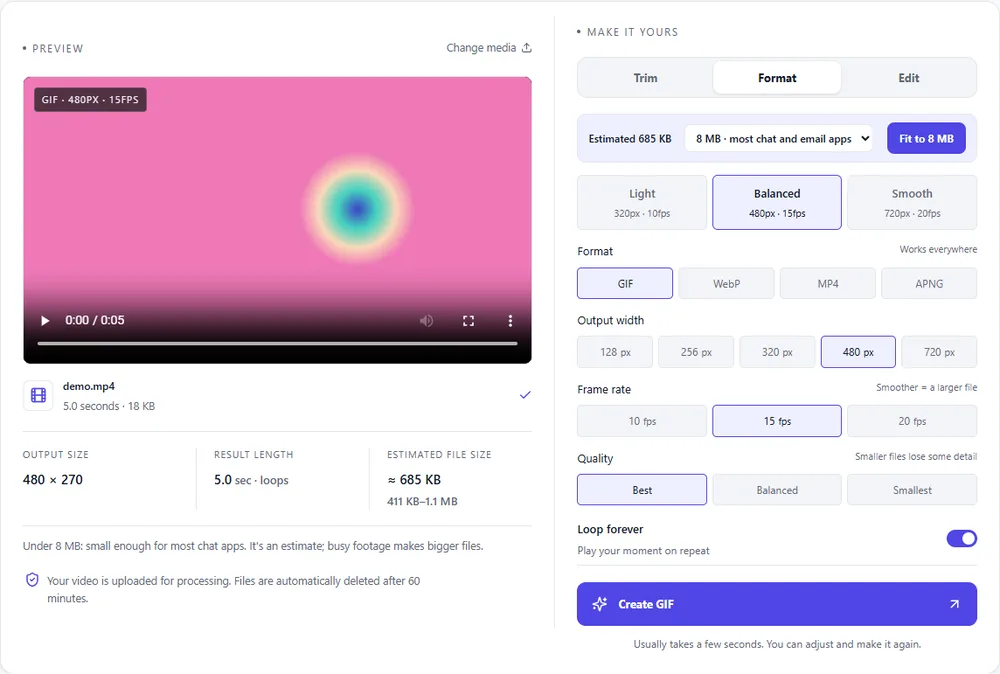
This tool's output is pictures, but you may want to know how the animated formats compare for the same clip.
| Format | For this clip | Typical size | Good to know |
|---|---|---|---|
| GIFSuggested | One file, plays everywhere. Not what you want if you need the individual pictures. | Largest | 256 colours, up to 720px and 20fps |
| WebP | A small animated file, and a good way to keep the whole clip as one file. | About 5× smaller | Full colour, animated, loops |
| MP4 | The smallest way to keep the motion. | About 15× smaller | Up to 1080px and 30fps, no loop flag |
| APNG | Lossless like the PNG frames, but still one animated file. | Larger than GIF | Lossless, full colour, loops |
Can’t find yours? The converter explains problems in plain language as they come up.
Add the GIF, trim to the part you want, choose a width and a frame rate, and press Create PNG frames. You download a ZIP of numbered PNG pictures.
Up to 300 in one go. The count is the length of your selection in seconds times the frame rate.
PNG, which is lossless and keeps transparency. They're named frame_0001.png, frame_0002.png and so on.
If you choose a frame rate that matches the GIF's own. Lower rates skip frames, and higher ones repeat some.
Yes. MP4, MOV, WebM, animated WebP and APNG work the same way.
Yes. Use the photos-to-GIF tool, add the pictures in order and choose how long each one shows.
It's free, there's nothing to sign up for, and your files are gone within the hour.