A sticker for an app that only takes GIF
Keep the see-through background and the timing, and get a file the app accepts.
Got an animated WebP that some app refuses? Drop it in and get a GIF that plays everywhere, with the timing kept and the size shown before you convert.
Animated WebP is a better format than GIF in almost every way. It's smaller, it has full colour, and every modern browser plays it. The reason people convert it back is simple: plenty of places still don't accept it. Some chat apps, email clients, forums, CMS fields and older editing tools take a GIF and turn their nose up at a WebP.
Expect the GIF to be bigger. GIF stores every frame as a whole picture with at most 256 colours, and WebP is far more efficient than that. On a test clip, the same four seconds were about 129 KB as WebP and 658 KB as GIF at the same size. So trim it, and keep the width reasonable.
There's also a quality cost. A lossy WebP already has some compression artefacts, and converting to GIF bakes them in and then limits the colours on top. Keep your original WebP, and treat the GIF as the copy you send to places that need one.
Drop the animated .webp file in, or paste it. A still WebP is just a picture, so it won't open as an animation.
Cut to the part you want. The length shown is the length of the whole animation, read from the frame timings.
Keep the width at the original or lower. The size estimate shows what a GIF of it will weigh.
Convert and download. Looping is on by default and you can change it on the Format tab.
Treat these as a first try, not a rule. The size estimate tells you quickly whether to nudge them up or down.
| If you're making | Try | Why it works |
|---|---|---|
| Sticker for an app that wants GIF | 256px · 15fps · keep the transparency | Small, and the see-through background survives. |
| Reaction for a forum or email | 480px · 15fps · under 3 seconds | Wide support and a size most places accept. |
| Over a size limit | 320px · 10fps · Smallest quality | The lightest GIF this tool makes; use Fit to size to check. |
| Animated logo for a site that only takes GIF | 480px · 20fps · Best quality | Keeps flat colours clean. |
Keep the see-through background and the timing, and get a file the app accepts.
Many forums and inboxes still show a GIF and skip a WebP.
Send the WebP where you can, and a GIF to anyone whose app can't open it.
That WebP isn't animated, so it's treated as a single picture. Only animated WebP files open as an animation here. To combine several pictures, use the photos-to-GIF tool.
An animation can hold up to 600 frames and about 300 million pixels in total. Use a smaller or shorter one.
That's the formats, not a fault. Trim it, lower the width, or send MP4 or WebP where the place allows it.
A GIF has at most 256 colours. Leave quality on Best, which uses smooth dithering, and avoid shrinking it a lot.
Browsers can't play WebP as a video. Type the start and end times, or use the handles, and convert.
These are real screenshots from this site, taken with a demo clip. Your own file will give different sizes, but the controls are exactly these.
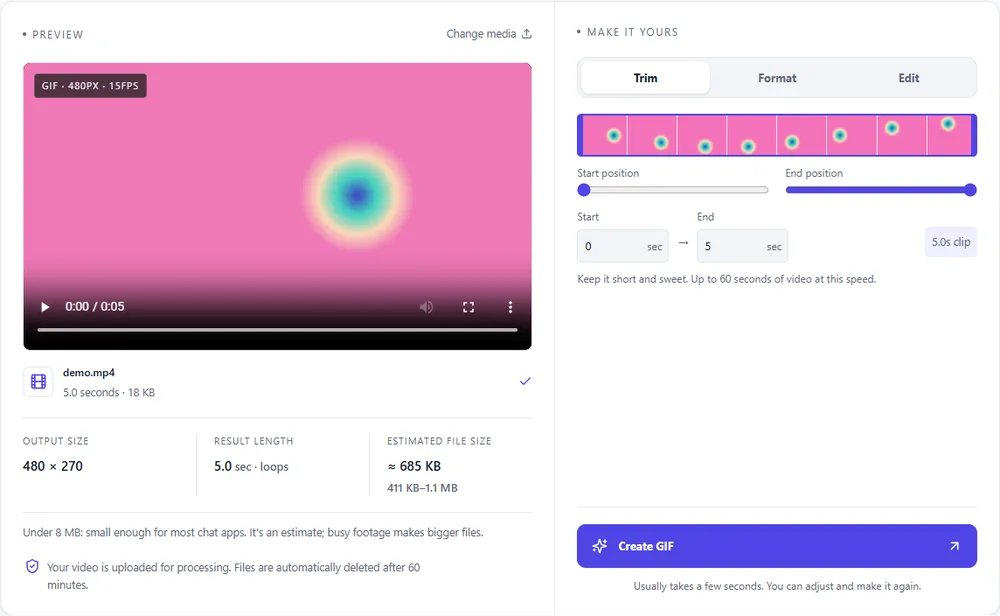
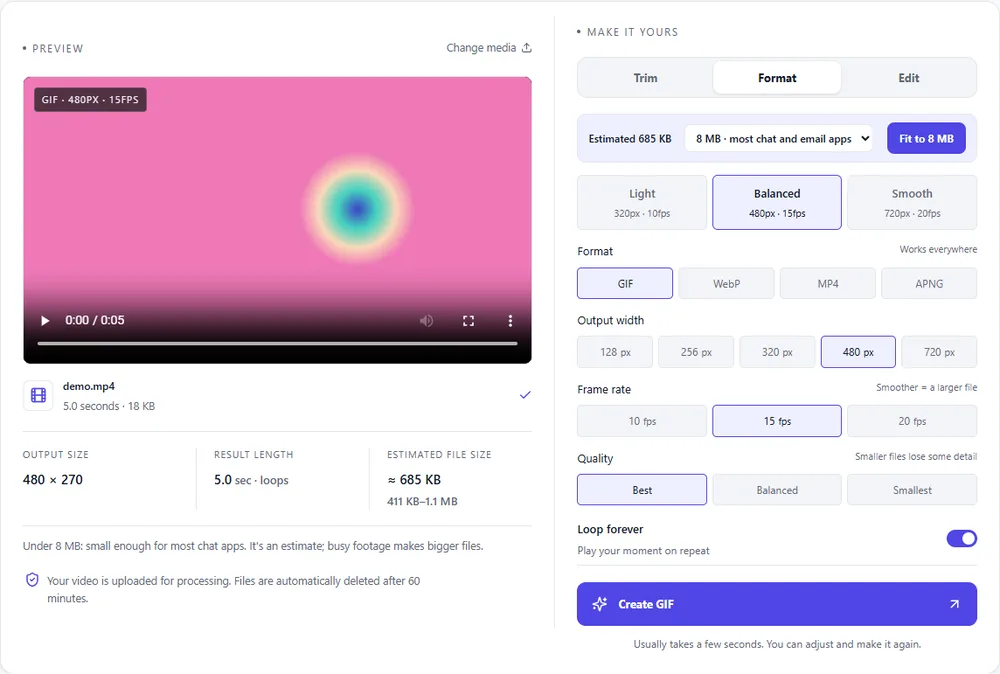
You're going from the most efficient animated format to one of the least, so the choice of target matters.
| Format | For this clip | Typical size | Good to know |
|---|---|---|---|
| GIFSuggested | Plays everywhere, which is the point of converting. Expect it to be several times bigger. | Largest | 256 colours, up to 720px and 20fps |
| WebP | Already what you have. Only convert if you want to trim or resize it. | About 5× smaller | Full colour, animated, loops |
| MP4 | Far smaller, if the destination takes video. | About 15× smaller | Up to 1080px and 30fps, no loop flag |
| APNG | Lossless and universal in browsers, but heavier than the WebP you started with. | Larger than GIF | Lossless, full colour, loops |
Can’t find yours? The converter explains problems in plain language as they come up.
Drop the file in, trim it if you want, check the size estimate and press Create GIF.
Yes. Each frame's own delay is read from the file and used, so a slow animation stays slow.
Yes, as on/off transparency. A GIF pixel is fully see-through or fully solid, so soft, semi-see-through edges become hard.
GIF compresses far less well and is limited to 256 colours per frame. Expect it to be several times larger.
No, that's just a picture. Use the photos-to-GIF tool to make an animation from several pictures.
It's free, there's nothing to sign up for, and your files are gone within the hour.