The background didn't disappear
Transparency removes one colour. Use the colour picker on the backdrop itself and raise the similarity a little. A busy or uneven background can't be removed this way.
Turn a GIF or a short video into an animated sticker. Crop it to a square, take out the background if it's a flat colour, and fit it to the size WhatsApp or Discord asks for.
A sticker is a small square animation with strict rules about its file. WhatsApp's published rules for animated stickers are a 512 × 512 animated WebP of 500 KB or less. Discord's stickers are reported as 320 × 320, under 512 KB, as an APNG (an animated PNG).
Both look best with a see-through background, so the sticker sits on the chat instead of in a box. That works when the thing you filmed is in front of a single flat colour, like a green screen, a wall or a sheet of paper.
Telegram's video stickers are WebM files, which this tool doesn't make yet, so this page covers WhatsApp and Discord.
Two or three seconds is plenty. Stickers are meant to loop, so a short movement reads better than a long one.
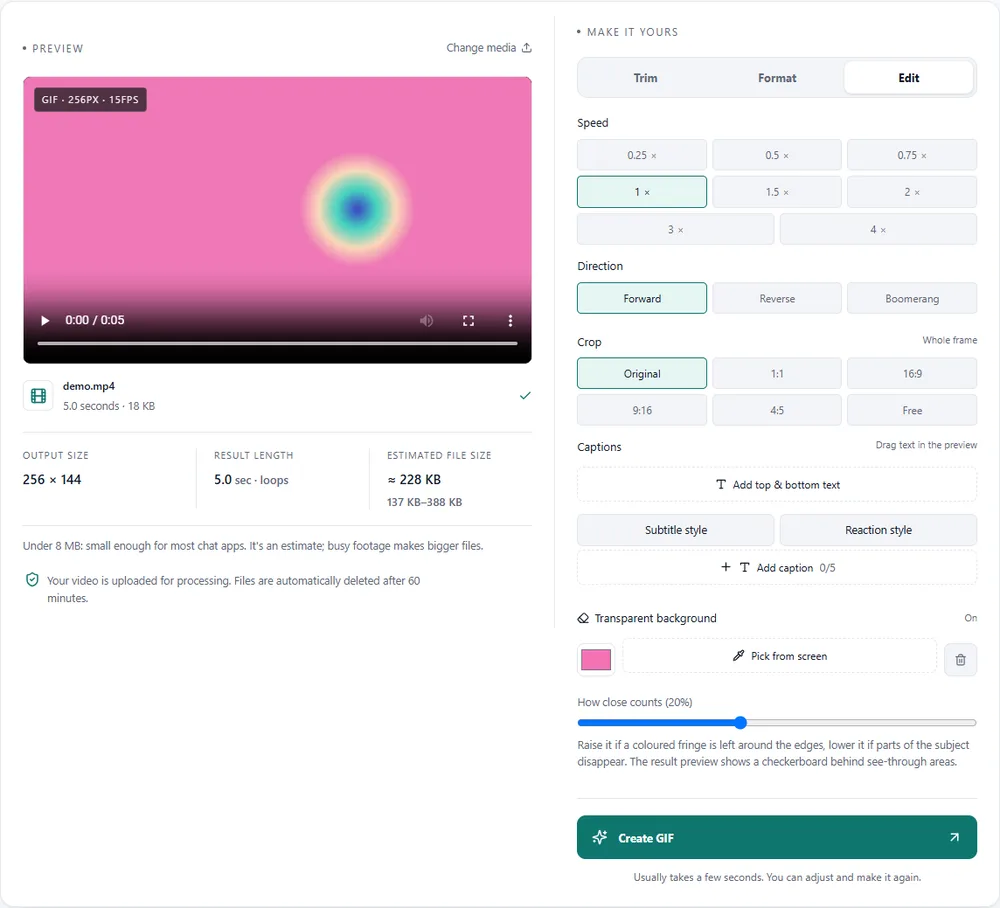
On the Edit tab, choose the 1:1 crop and move the square over the subject.
Under More tools, turn on Transparent background and pick the backdrop colour. It works best with a flat, even colour.
For WhatsApp keep WebP at 512px and fit to 500 KB. For Discord choose APNG at 320px and fit to 512 KB. Then create and download it.
Treat these as a first try, not a rule. The size estimate tells you quickly whether to nudge them up or down.
| If you're making | Try | Why it works |
|---|---|---|
| WhatsApp animated sticker | WebP · 1:1 crop · 512px · fit to 500 KB | Matches WhatsApp's published size and file rules for animated stickers. |
| Discord sticker | APNG · 1:1 crop · 320px · fit to 512 KB | The size and format Discord's sticker upload is reported to accept. |
| Cut-out reaction | Transparent background · green screen · WebP | The subject floats on the chat with no box around it. |
| Logo sticker for a community | Square crop · 320px · 10fps | Simple shapes and few colours keep a sticker tiny and crisp. |
Transparency removes one colour. Use the colour picker on the backdrop itself and raise the similarity a little. A busy or uneven background can't be removed this way.
Check it is exactly 512 × 512 (square crop and 512px width) and under 500 KB, then add it through a sticker pack app.
Shorten the clip, lower the frame rate to 10, or press Fit with the sticker target chosen.
That's the trade-off of a hard cut-out. A slightly lower similarity keeps more of the edge; a plain backdrop helps most.
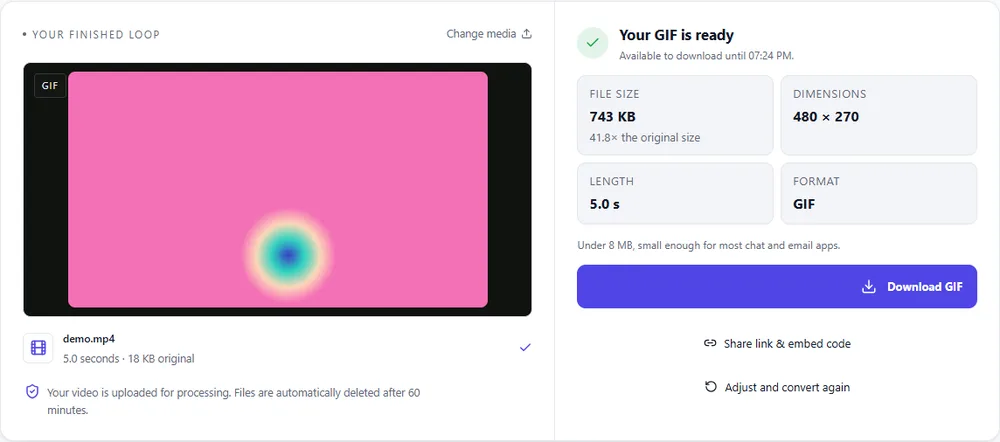
These are real screenshots from this site, taken with a demo clip. Your own file will give different sizes, but the controls are exactly these.
Stickers have fixed formats: WebP for WhatsApp, APNG for Discord. GIF is the fallback when an app takes anything.
| Format | For this clip | Typical size | Good to know |
|---|---|---|---|
| WebPSuggested | WhatsApp's sticker format. Small, full colour and see-through edges. | About 5× smaller | Full colour, animated, loops |
| GIF | Works almost anywhere as an animated image, but only on/off transparency and 256 colours. | Largest | 256 colours, up to 720px and 20fps |
| MP4 | Not a sticker format: it can't be see-through. | About 15× smaller | Up to 1080px and 30fps, no loop flag |
| APNG | Discord's sticker format. Lossless, so keep it short and small. | Larger than GIF | Lossless, full colour, loops |
Can’t find yours? The converter explains problems in plain language as they come up.
WhatsApp's published rules for animated stickers are 512 × 512 pixels, WebP format, and 500 KB or less.
Discord stickers are reported as 320 × 320 pixels and under 512 KB, as PNG or APNG.
Yes, if it's one flat colour. Turn on Transparent background under More tools on the Edit tab and pick that colour.
Not yet. Telegram video stickers are WebM files, which this tool doesn't create.
Yes, with no sign-up or watermark. Uploads are deleted within an hour, and short clips can be made on your device without uploading.
It's free, there's nothing to sign up for, and your files are gone within the hour.